.png)
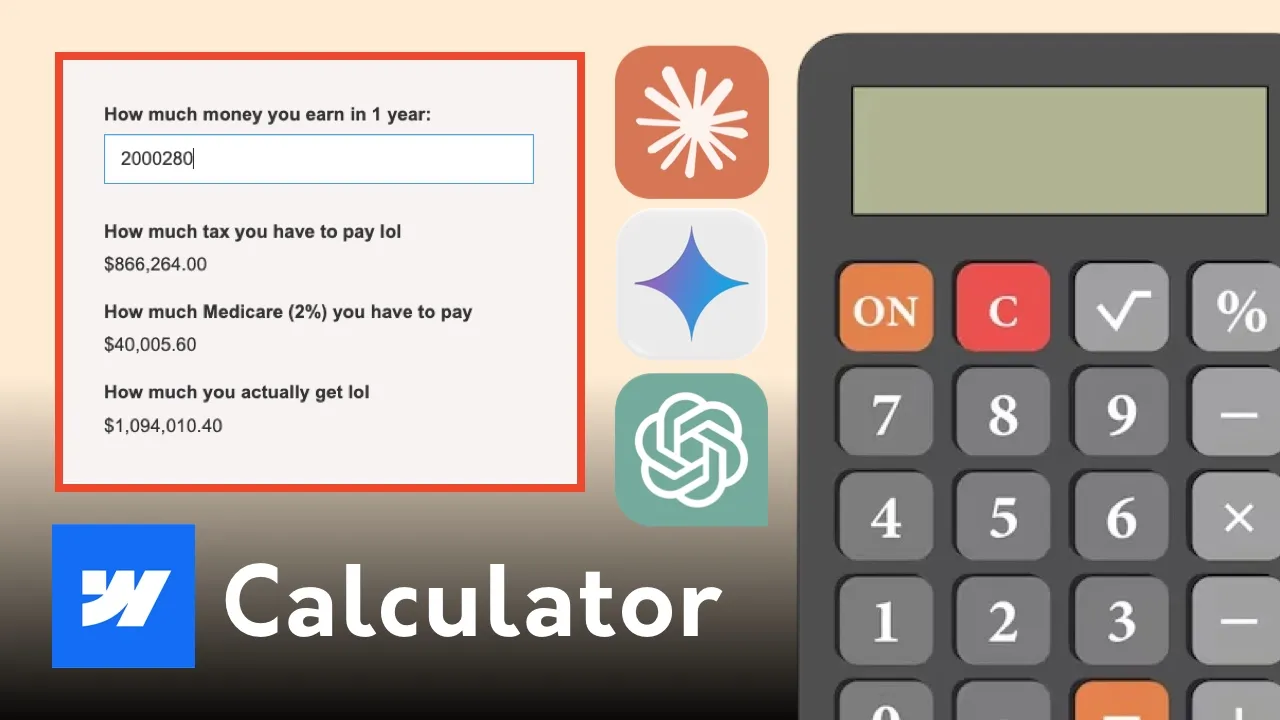



Learn how to create an endless, dynamic video marquee in Webflow using CMS collections. Step-by-step guide to video background tracks, flex layouts, and smooth looping.

Motion is one of the most effective ways to capture user attention and signal high production value on modern landing pages. While static image marquees work well for client logos, an endless video marquee brings dynamic visual energy to agency portfolios, product showcases, and creative hero sections.
By powering your video marquee with Webflow CMS, you remove the technical friction of manual updates. Instead of editing canvas layouts or manually duplicating video tracks in the Designer, you or your clients can manage, swap, or add video clips directly through a simple backend collection list.
As a Sydney-based Web Designer and Webflow Expert, implementing dynamic video marquees ensures your builds feel sleek, immersive, and performant across all viewports.
Building a continuous video marquee dynamically in Webflow delivers distinct UX and maintenance benefits over hardcoded embeds:
Follow this step-by-step framework to configure your CMS collection schema, lay out the marquee track, and trigger a seamless infinite loop in Webflow:
1. Create the CMS Video Collection: Create a new CMS Collection named "Video Marquee". Add essential fields: a Title field, a Video File or Video Link field, and an optional Thumbnail Image field for poster fallbacks.
2. Build the Marquee Section & Wrapper: Add a main Section set to overflow: hidden to eliminate horizontal page scrollbars. Inside, insert a Flexbox track wrapper set to display: flex with a uniform gap property.
3. Bind CMS Collection & Duplicate Track: Place a Collection List inside your track wrapper, bind it to your Video collection, and connect background video elements to your CMS fields. Duplicate the Collection List container side-by-side so content exceeds 100% of the screen width.
4. Configure the Infinite Loop Interaction: Apply a continuous Page Load (or continuous scroll) loop interaction to the track wrapper. Move X from 0% to -100% using a linear ease setting for fluid movement.
Prefer a visual guide? Watch the complete video walkthrough below to see how to build, style, and optimize the CMS video marquee in real time:
Watch the Video: Endless CMS Video Marquee Tutorial