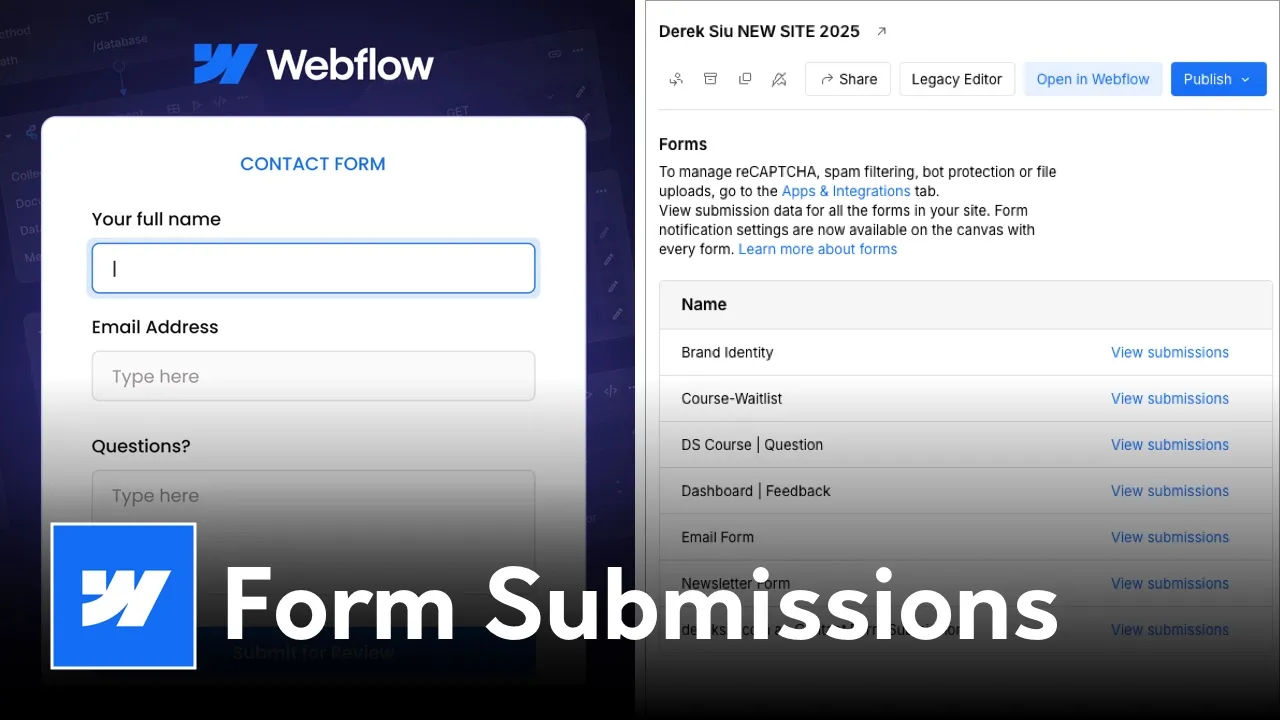
Webflow Form Submissions Overview
Managing multiple forms on a single Webflow site can quickly become a headache if all those submissions are landing in the same inbox. Whether you have a "Contact Us" form that needs to go to Sales and a "Support Request" form that needs to go to your Help Desk, routing them correctly is essential for a professional workflow.
While we previously relied on third-party tools like Zapier for this, Webflow now offers a native feature that allows you to route specific forms to specific email addresses directly within the Designer.
Why Route Forms to Different Emails?
- Efficiency: Get the right information to the right department instantly without manual forwarding.
- Client Experience: Ensure your clients receive only the leads relevant to them.
- Native Integration: No more paying for extra Zaps or worrying about third-party API breaks.
Step-by-Step Tutorial: Native Form Routing
1. Name Your Forms Correctly
Before setting up the routing, ensure every form on your page has a unique, descriptive name.
- Select your Form Wrapper.
- Go to the Element Settings (D) panel.
- Give the form a clear name (e.g., "Sales Inquiry" or "Feedback Form").
2. Configure Form-Specific Notifications
Once your forms are named, you can customize where the data goes:
- Navigate to Project Settings > Forms.
- Scroll down to the Form Notifications section.
- You can now use conditional logic or individual form settings to define the "Send to" address for each specific form name you created in Step 1.
3. Customize the Subject Line
To make your inbox even more organized, customize the subject line for each form.
- Use dynamic fields like
{{siteName}} - {{formName}} to instantly see which form was filled out without opening the email.
Professional Tips for Webflow Forms
- AEO & SEO Advantage: Optimized, fast-loading native forms are better for your site's technical performance than heavy third-party embeds.
- Lead Capture: If you want to take your lead game even further, consider integrating a dedicated AI assistant like HelloVira to capture leads 24/7 before they even hit your form.
- Spam Protection: Always ensure you have Google reCAPTCHA enabled in your Form Settings to keep your inbox clean.
Need Expert Help with Your Webflow Systems?
As a Sydney-based Webflow developer and verified Fiverr Pro, I specialize in building high-performance websites that do more than just look pretty—they function as automated business engines.
Have Any Further Questions?
I'm Always Down To Help.
Contact Me
How did you find this tutorial?
Stay updated with my Newsletter!


.png)